For marketing emails, one more delivery could mean one more customer! Therefore, getting emails into the inbox smoothly is a challenge that every marketer must face.
As a leading provider of Customer Interaction and marketing technology services, EngageLab offers stable and efficient email delivery services for marketers. This article will help you understand how to use EngageLab to better manage your email marketing campaigns in Shopify.
How to Add Engagelab
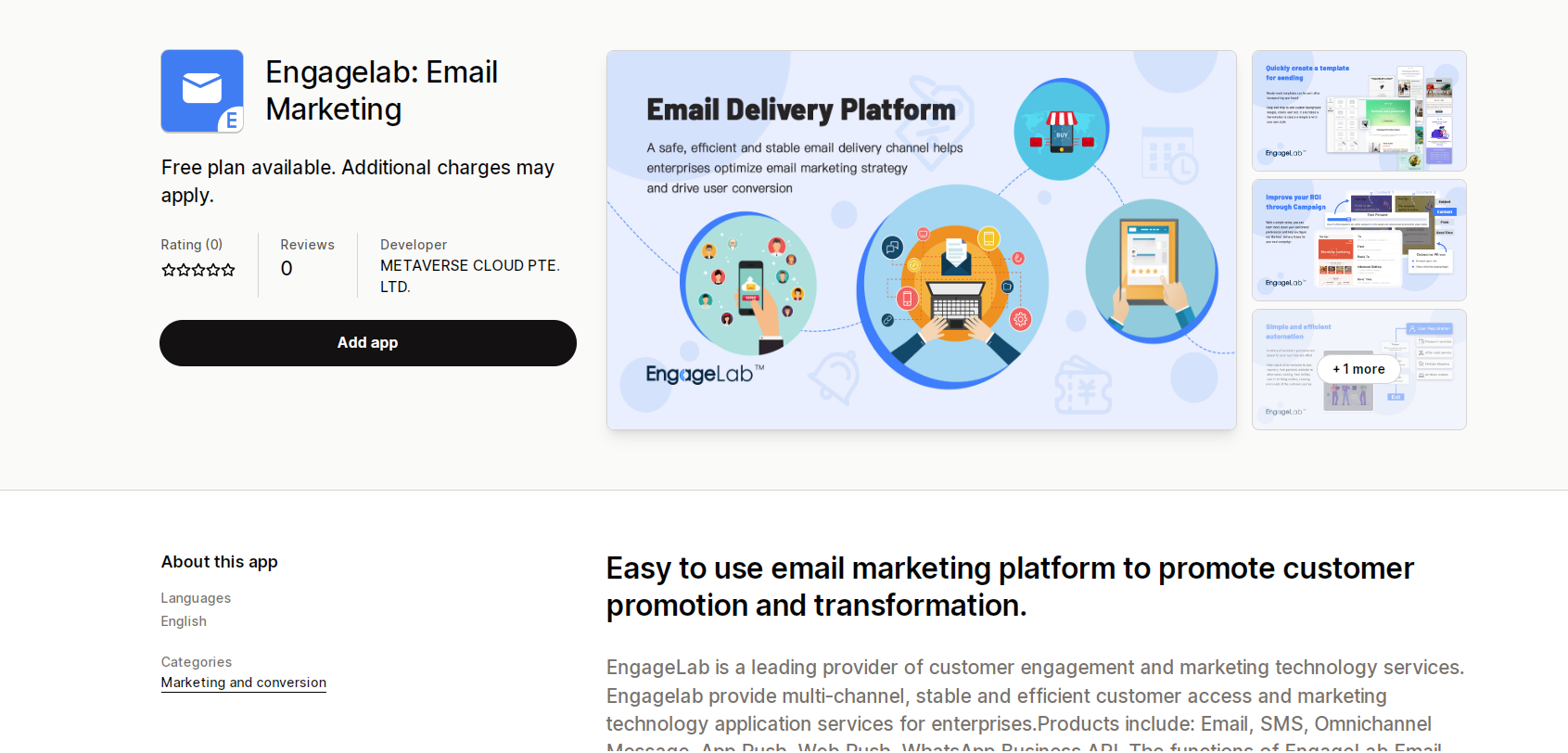
1. Find Engagelab: Email Marketingin shopify's App Store or visit https://apps.shopify.com/engagelab-email-marketing

2. Select Add app.
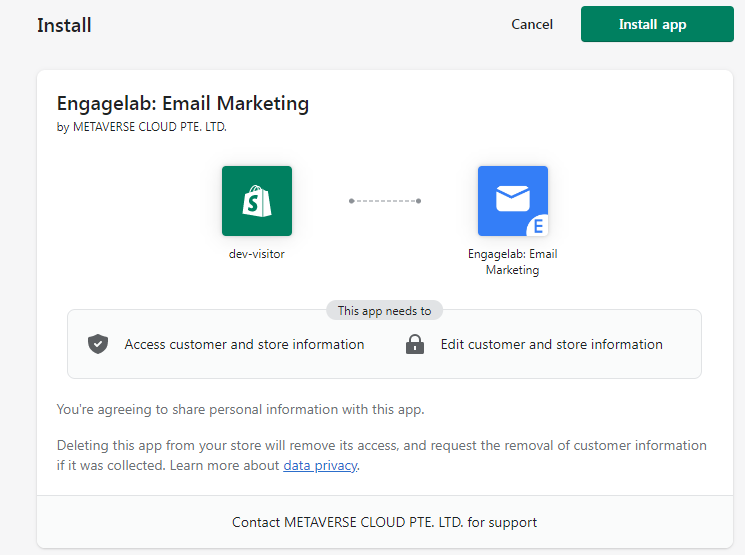
3. Authorize to install the app.
4.. Connect account.
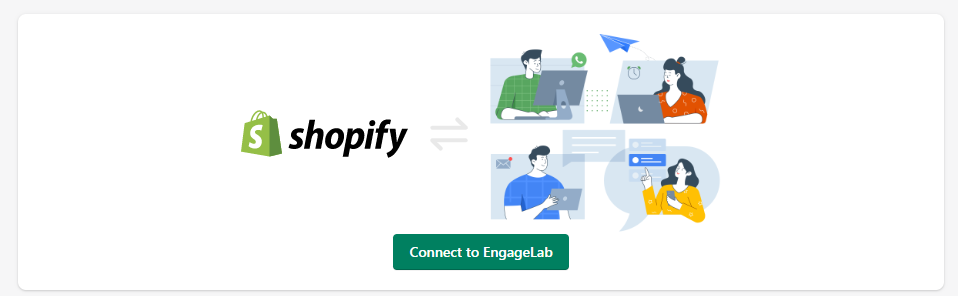
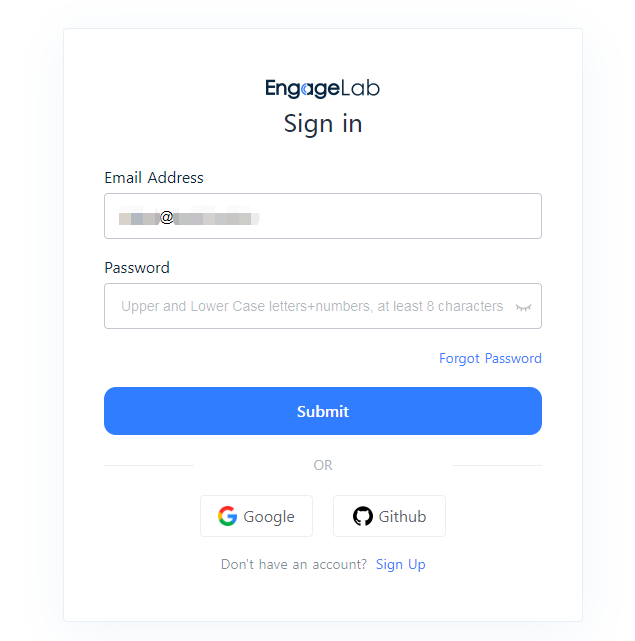
5. Enter an existing Engagelab account, or create a new one.
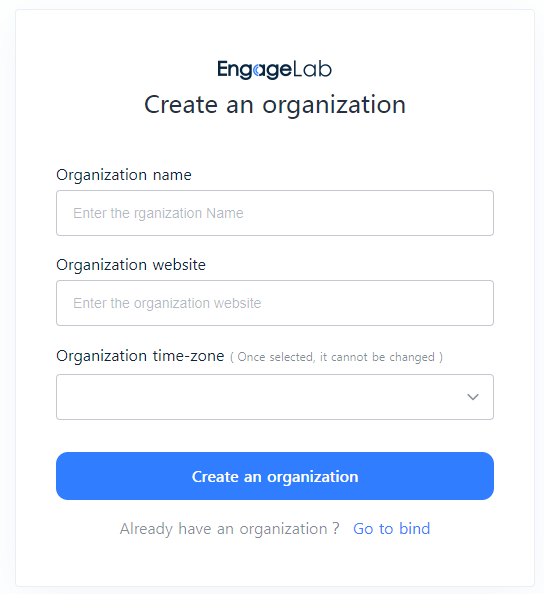
6. Create an organization, or bind an organization with an existing account.
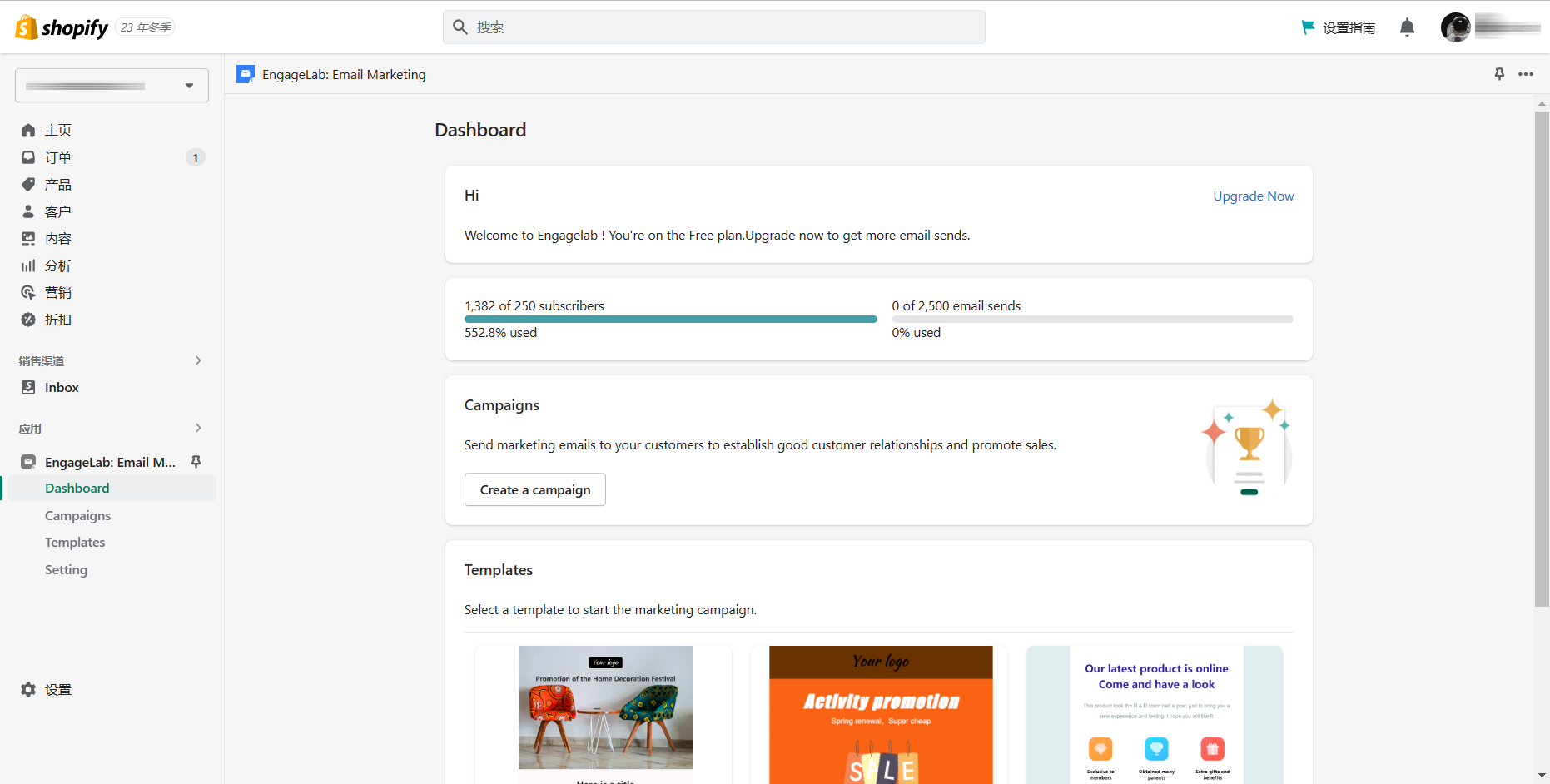
7. After the account is successfully bound, return to Engagelab to get a free email sending plan: you can send 2500 emails to 250 subscribers per month. Features include: email editor, email templates, send schedule, warm-up send, A/B testing, simple automation, unsubscribe page.
Preparation before sending
You need to meet the following conditions before sending:
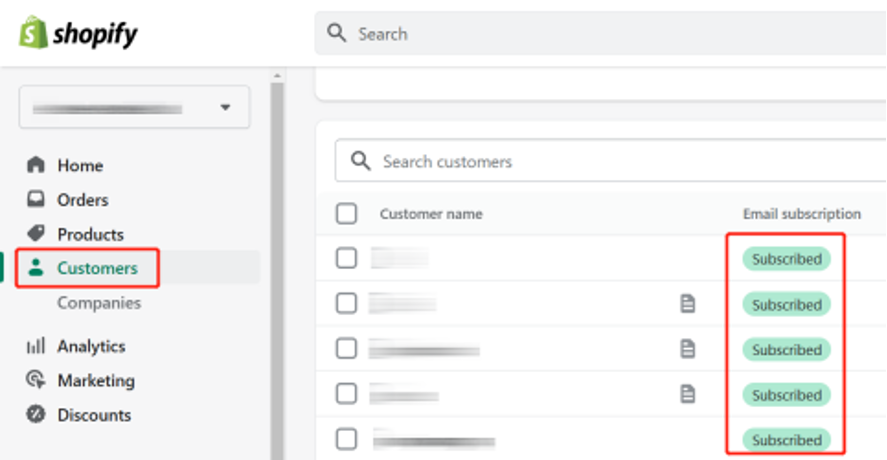
1. Have subscribers.As long as your subscribers are in Shopify's Customers, you will be able to see them in Engagelab. You can also classify subscribers through Shopify for precision marketing purposes.
2. Add at least one sender.We will provide a public sending domain and use this domain to create a default sender, which you can use directly. After completing the account upgrade, you can also add senders using your own domain.
3. You need to create an email template in advance. This is what you send your subscribers. You can not only apply a variety of exquisite Email templates in Engagelab, but also use drag-and-drop email editing tools.
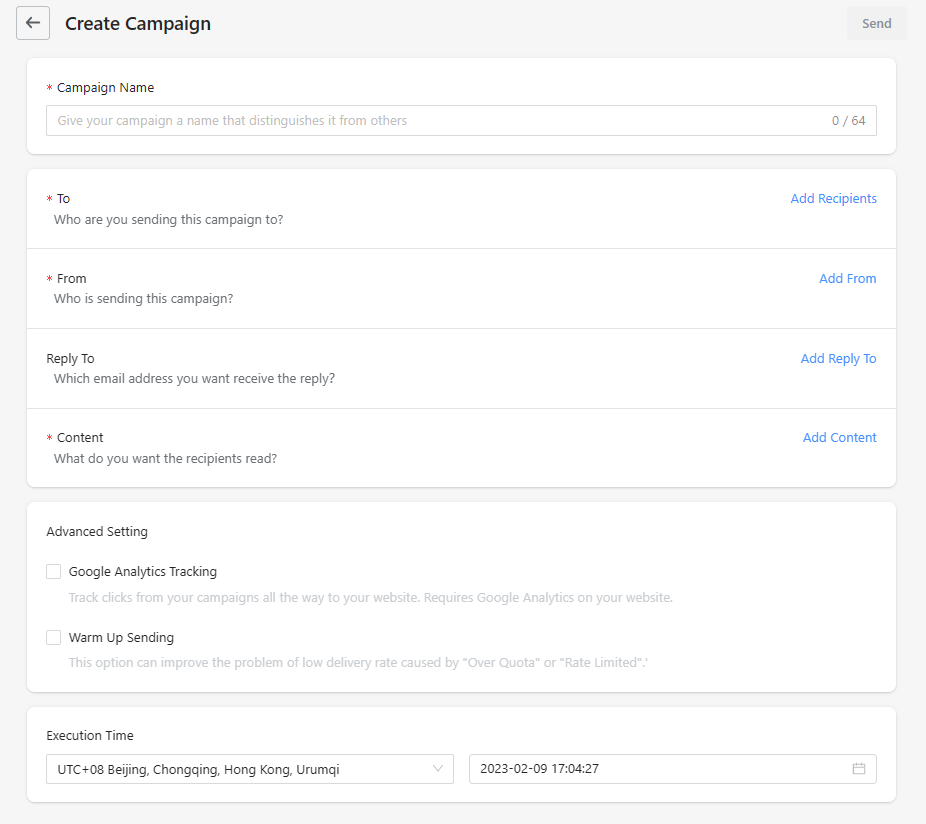
4. After completing the above, you can create email sending tasks via Campaign. Set the recipient, sender, your reply address, Email template, Google tracking analysis, warm-up sending, and sending time in order. Of course, you can also set up scheduled sending.